MINIX 8K USB-C+HDMI KVM Switch 1 Monitor 2 Computers for Laptop PC,Aluminum
Panoramica prodotto
Modalità operativa: On-off-on
Corrente nominale: 5 Ampere
Tensione operativa: 120 Volt
Tipo di contatto: Connettore Usb Di Tipo A E Hdmi
Marchio: MINIX
Tipo di interruttore: Toggle
Terminale: USB
Materiale: Metallo
Dimensioni articolo: LxPxA: 14,6 x 6,1 x 2 cm
Tipo di circuito: 2 vie
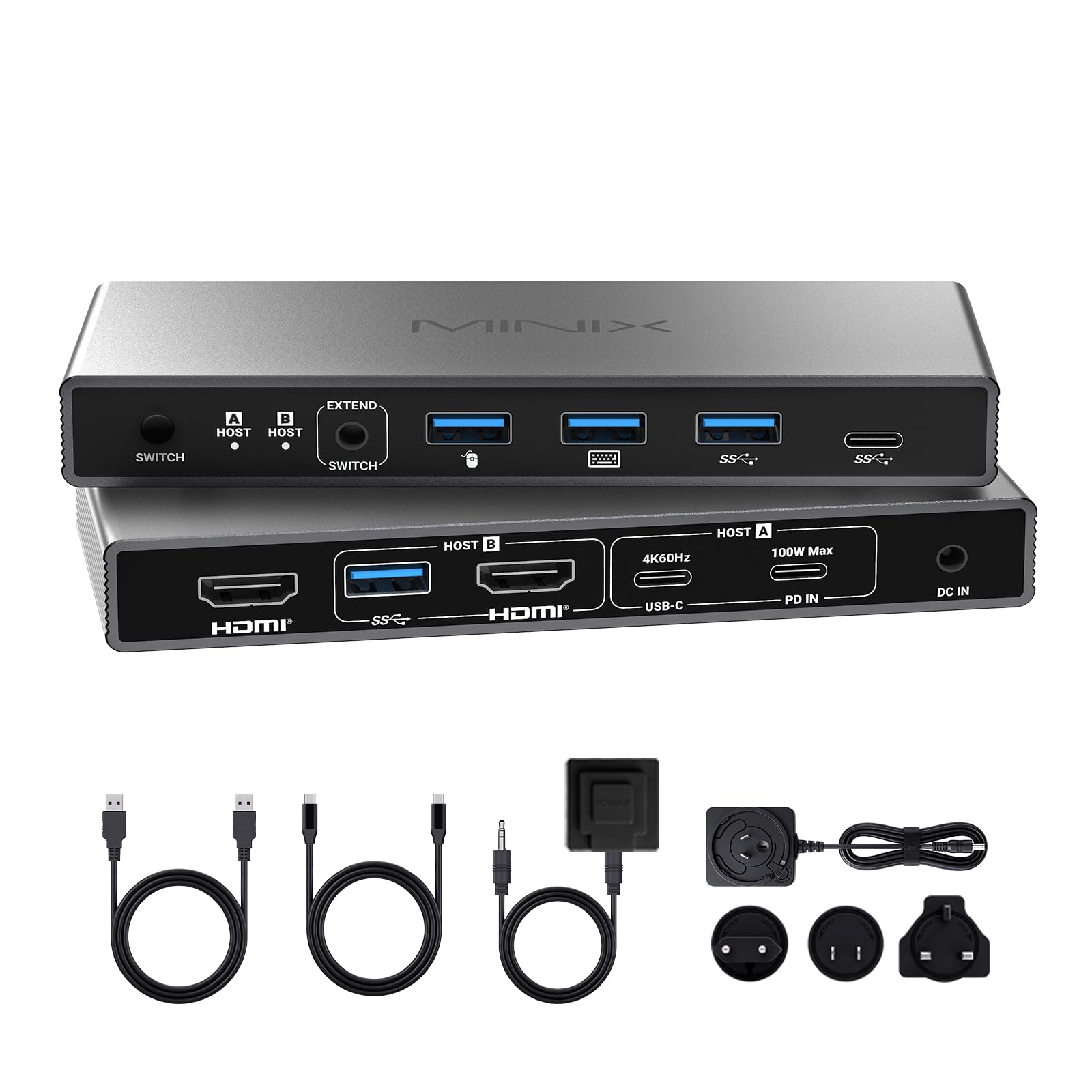
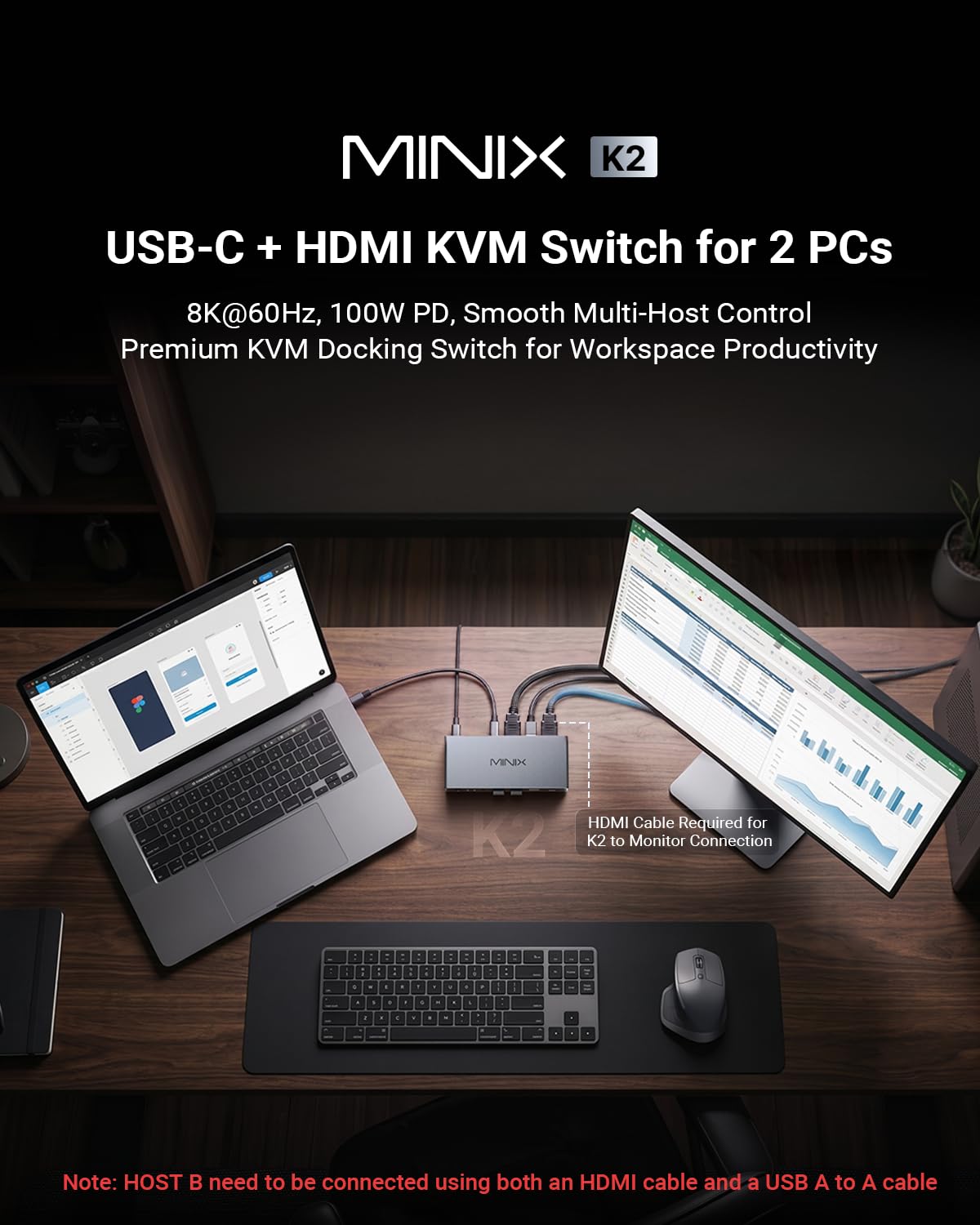
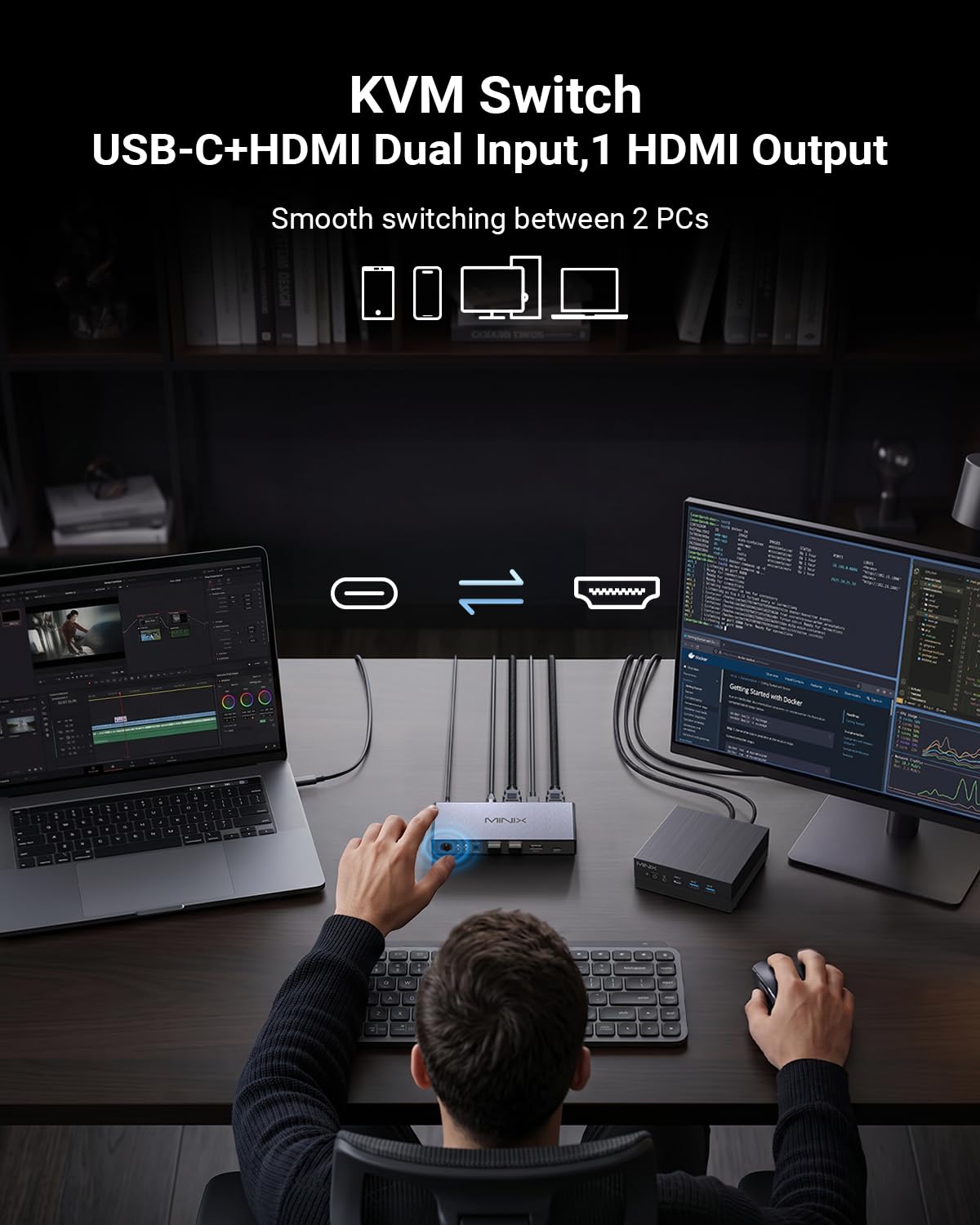
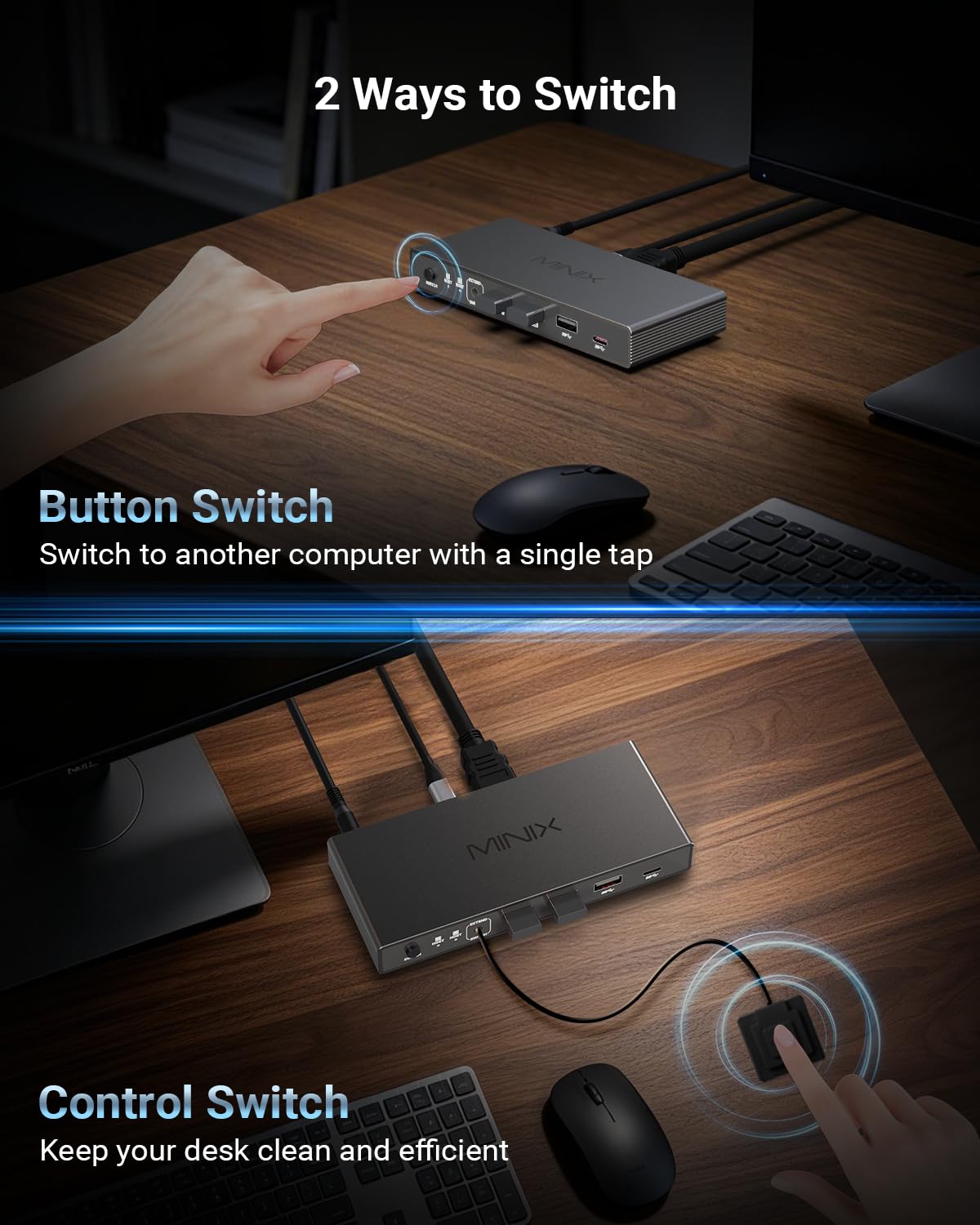
- 【2 Computers 1 Monitor Hub with Desktop Controller】MINIX K2 KVM Switch controls a USB-C laptop and HDMI PC seamlessly with one monitor, keyboard, mouse, and printer. No hotkey/auto-switch to ensure max stability—easily toggle via the physical button or the included desktop controller with one click
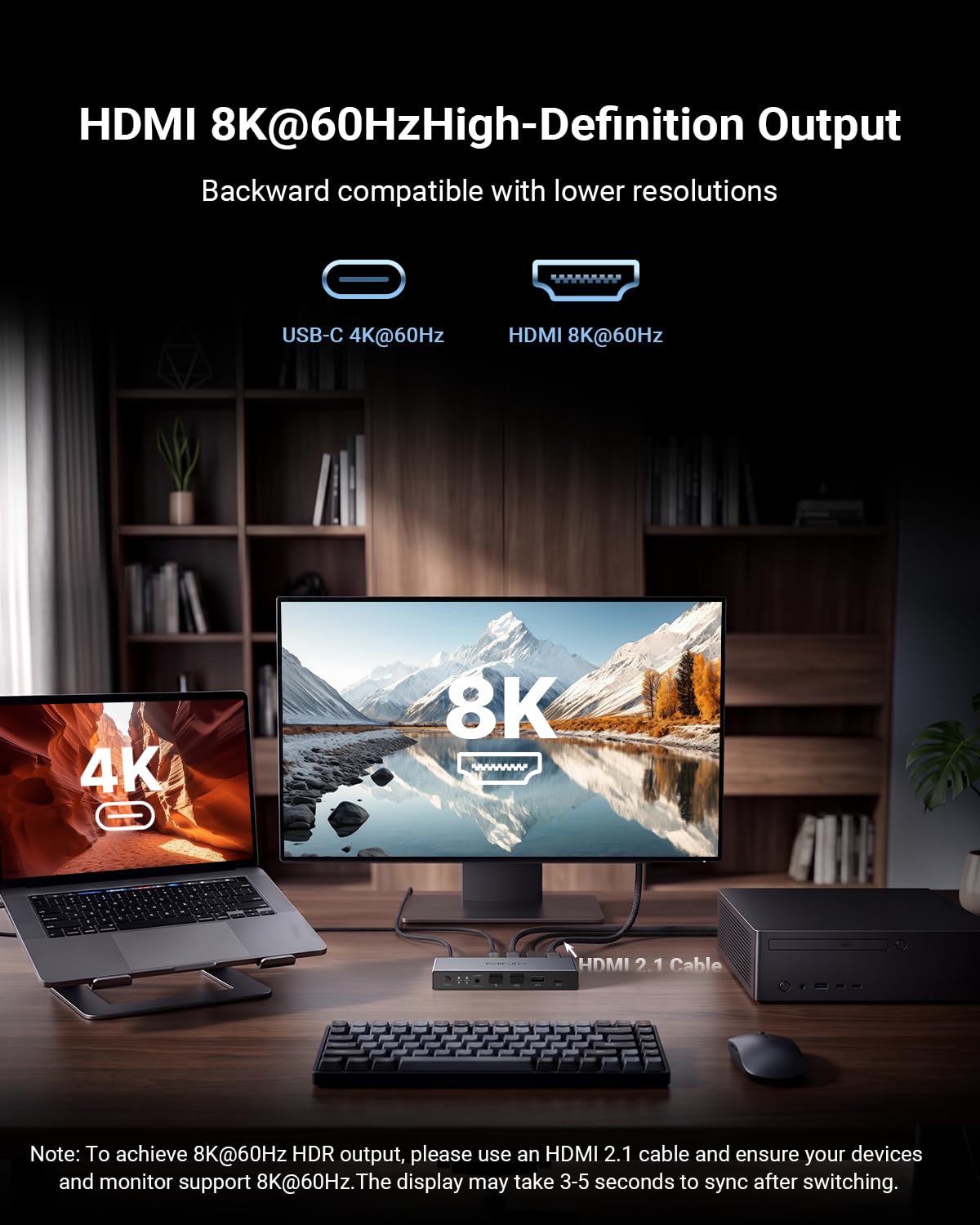
- 【8K@60Hz Ultra-HD Visual Feast】 esperienza breathtaking 8K@60Hz clarity and HDR with the MINIX K2, backward compatible with 4K. Ideale per designer e giocatori che cercano a bassa latenza. [8K Setup Requirements]: Requires an HDMI 2.1 host PC (connected with USB A-to-A cable), an HDMI 2.1 monitor, and certified HDMI 2.1 cables
- 【100 W PD Pass-Through Charging】Il pannello posteriore ha dedicated 100 W PD IN port designed strictly for wall charger input (no data transfer, charger not included). Quando collegato, esso delivers high-speed pass-through power to your laptop via the Host A USB-C port, keeping your mobile workstation always charged
- 【USB-C & HDMI Inputs to 1 Monitor】 Perfect for remote workers and gamers to toggle between an office laptop and a personal PC without messy manual cable swapping. [HOW IT WORKS: 1. Collegare laptop tramite 1 USB-C. 2. Collegare PC tramite 1 HDMI + 1 cavo dati USB. 3. Plug your ultra-HD monitor into the HDMI output port.
- 【Universal OS & Wide Compatibility】 With plug and play ease, this cross-platform HDMI and USB C KVM switch integrates with Windows, macOS, Linux and Android without extra drivers. It is widely compatible with MacBook Pro, MacBook Air, laptops, PC, Nintendo Switch/Switch 2, PS5/4, Xbox, and projectors, making it effortless to share gear
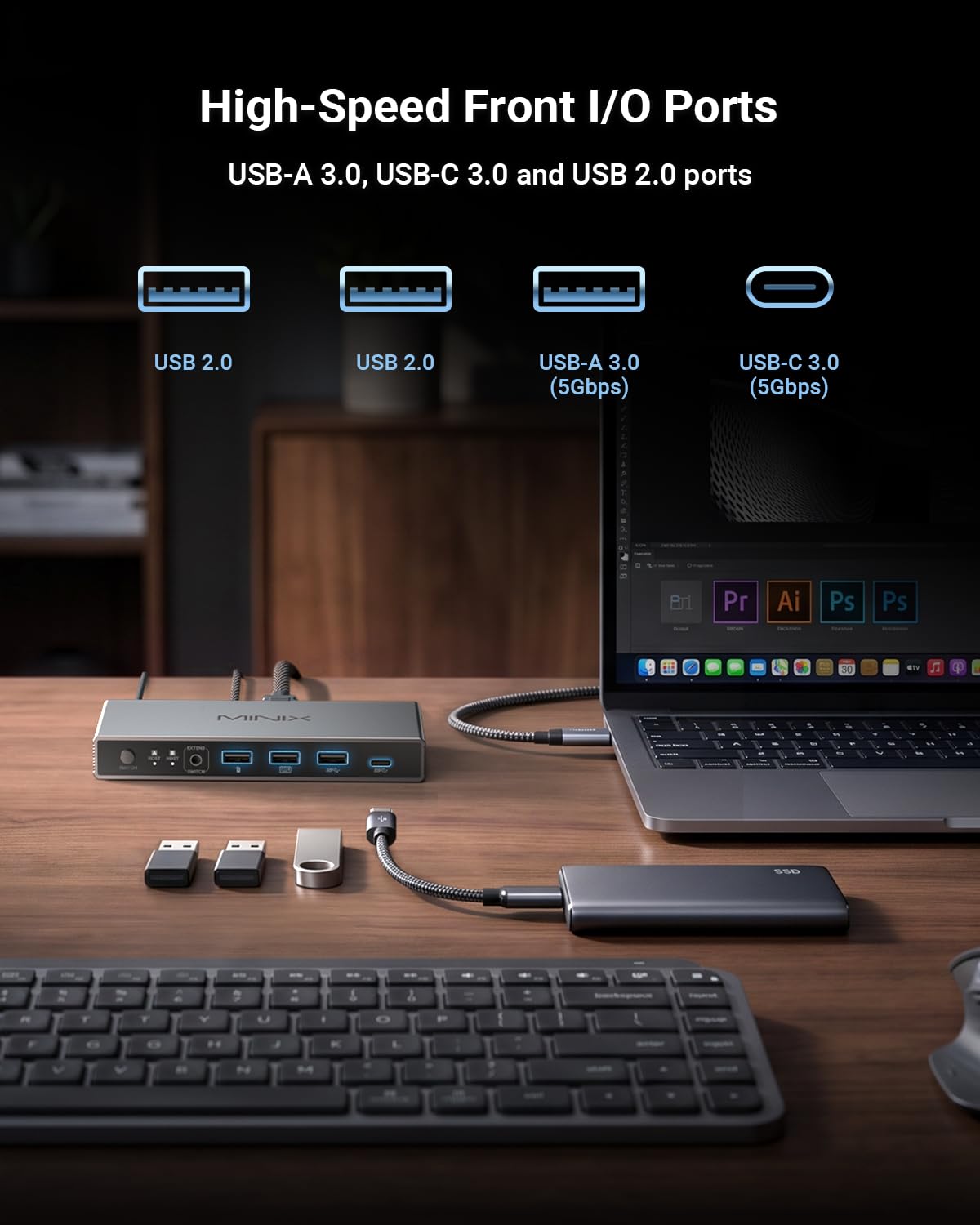
- Kit completo e note: in scatola: 1 K2 KVM, 1 cavo USB C-to-C, 1 cavo dati USB-A, 1 adattatore per dati, 1 x 12 V, 1 x controller desktop (HDMI cables NOT included). Note: 1. Compatibile con Apple Studio Display. 2. Supporto ONLY one HDMI monitor. 3. Device connected to Host A must support full-featured USB-C/TB4. 4. Connect 12 V power for high-power USB devices. 5. Wake laptop prima di switching